An invitation with everything in it.
Share a personal household invitation with the date, venue, and event details. Guests can RSVP, choose meals, and leave requests. Their replies stay connected to your guest list.
Invitations, seating, and a live guest website. Plan your room, collect replies, and keep everyone informed from the first invite to the final moment.
For weddings, celebrations, and community gatherings.
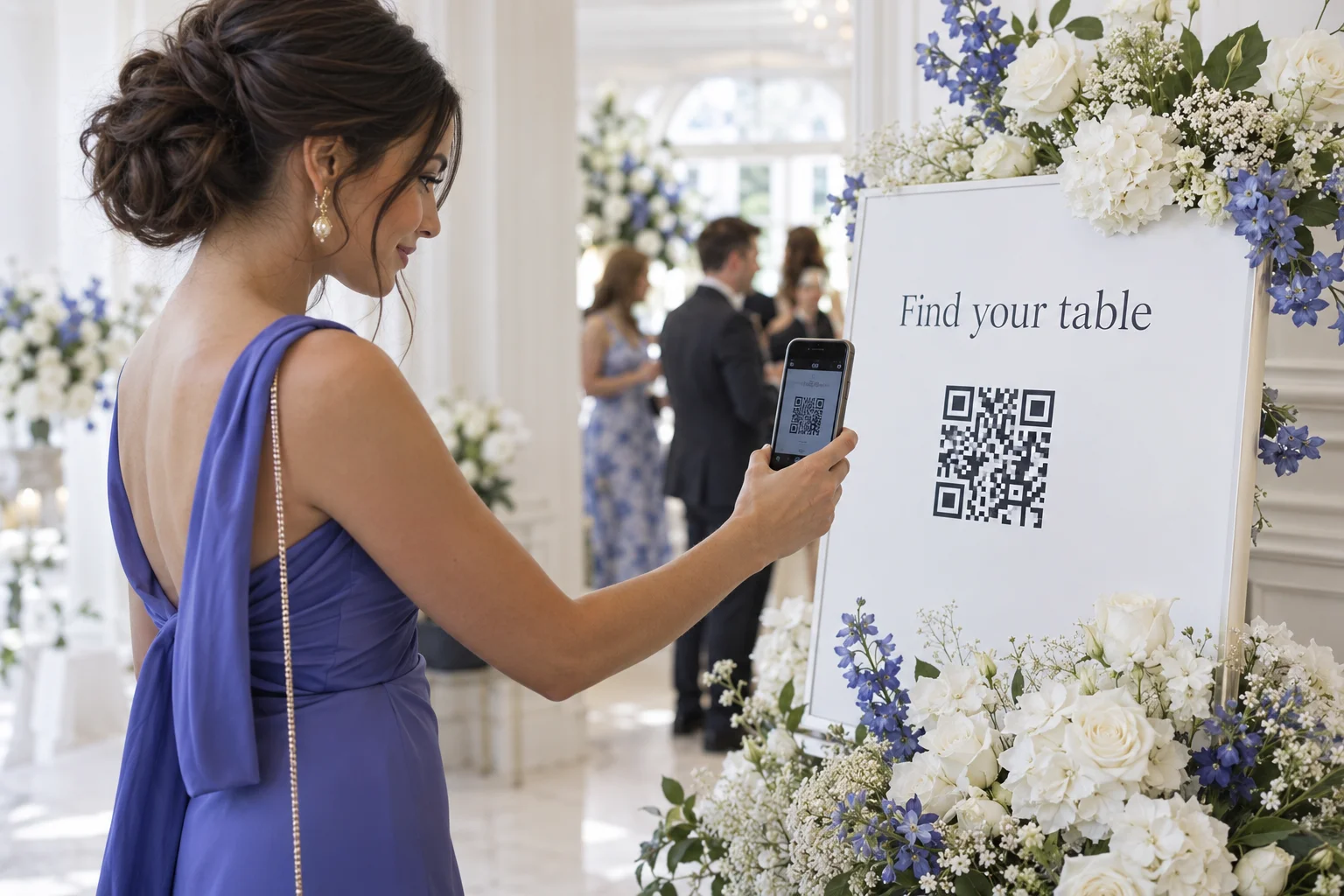
You know the moment. Guests gather around a seating chart, looking for one name in a sea of small print. There is a simpler way to welcome them.

Bring your guest list together, then move names between tables. See who is sitting with whom before you make the next move.

Welcome guests before they arrive. Give them the details in one place, then keep them informed as your event unfolds.

Share a personal household invitation with the date, venue, and event details. Guests can RSVP, choose meals, and leave requests. Their replies stay connected to your guest list.
Let guests subscribe to event updates on their phone. When you start the next moment in your planner, subscribed guests can receive a text, such as “The ceremony is starting. Please take your seats.”
Text delivery requires a connected sending number. The message above is an example.
Prepare the schedule, then advance it as things happen. Your guest page shows the current moment and what comes next, from the welcome to the ceremony and reception. If plans change, update the timeline in your planner.
No. They open your event link or scan its QR code in their phone’s browser.
Yes. Your QR code opens the event page, so you can update the seating without printing a new code.
Yes. Invite people to a specific event and choose their access level: admin, editor, or viewer.
Yes. The interactive demo uses sample guests and works without an account.
One place to organize the room.
One link to welcome everyone.