Bring your people
Start with names from a spreadsheet or add them one at a time. Organize households and party sizes before you begin seating.
See the toolsYour list, your room, and your guest experience stay connected. Here is how to bring them together.
Try it as you goStart with names from a spreadsheet or add them one at a time. Organize households and party sizes before you begin seating.
See the toolsCreate your tables and move guests between them. For events with several meals, make a separate seating plan for each one.
See the toolsPlace the tables, size them by hand, and add the room details. Check the 3D view to see the arrangement from another angle.
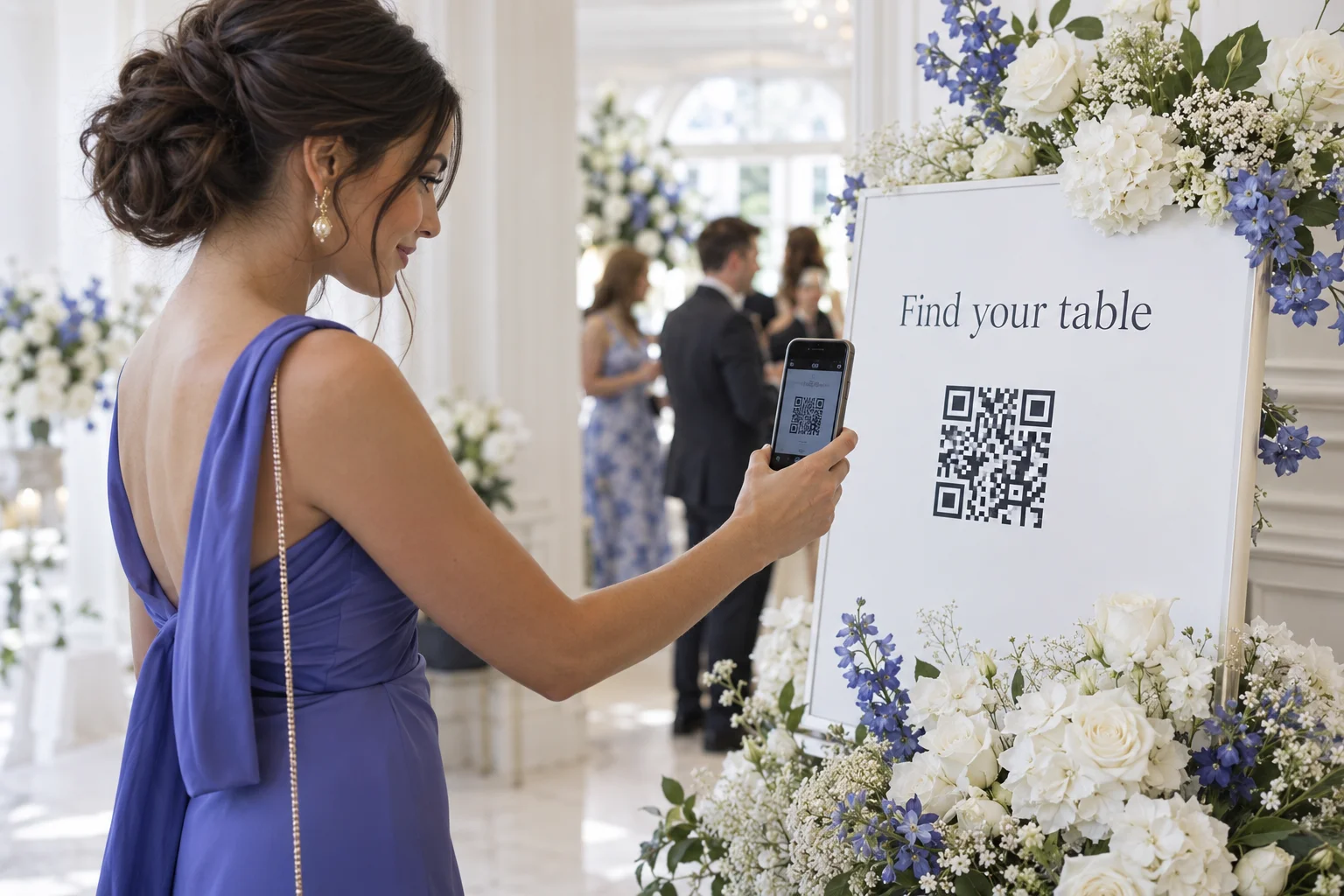
See the toolsPrepare the invitation, schedule, and venue details. Share your event link or put the QR code at the entrance.
See the toolsMake a seating change in the planner and guests can see the current assignment on their event page. The QR code continues to open the same event.
No guest app to download. Just a link in their browser.
One place to organize the room.
One link to welcome everyone.